
No Waterbury Jail Roster
Connecticut has a unified statewide correctional system. The Connecticut Department of Correction says county jails and state prisons were unified under one DOC in 1968. For Waterbury, that means there is no county sheriff jail roster and no city jail roster found in official sources. A person arrested in Waterbury may appear in DOC custody data if held by the state system, or may appear first in a court arraignment or daily docket if recently arrested.
Use the DOC inmate search for custody location and status. Use the Judicial Branch criminal and motor-vehicle lookup for charges, dockets, hearings, and disposition. Use Waterbury Police Records for arrest reports or incident records. These files answer different questions, and mixing them can lead to bad conclusions about whether a person is merely accused, held pretrial, sentenced, released, or due in court.
The official Connecticut DOC inmate search service page is the starting point for Waterbury City inmate records.
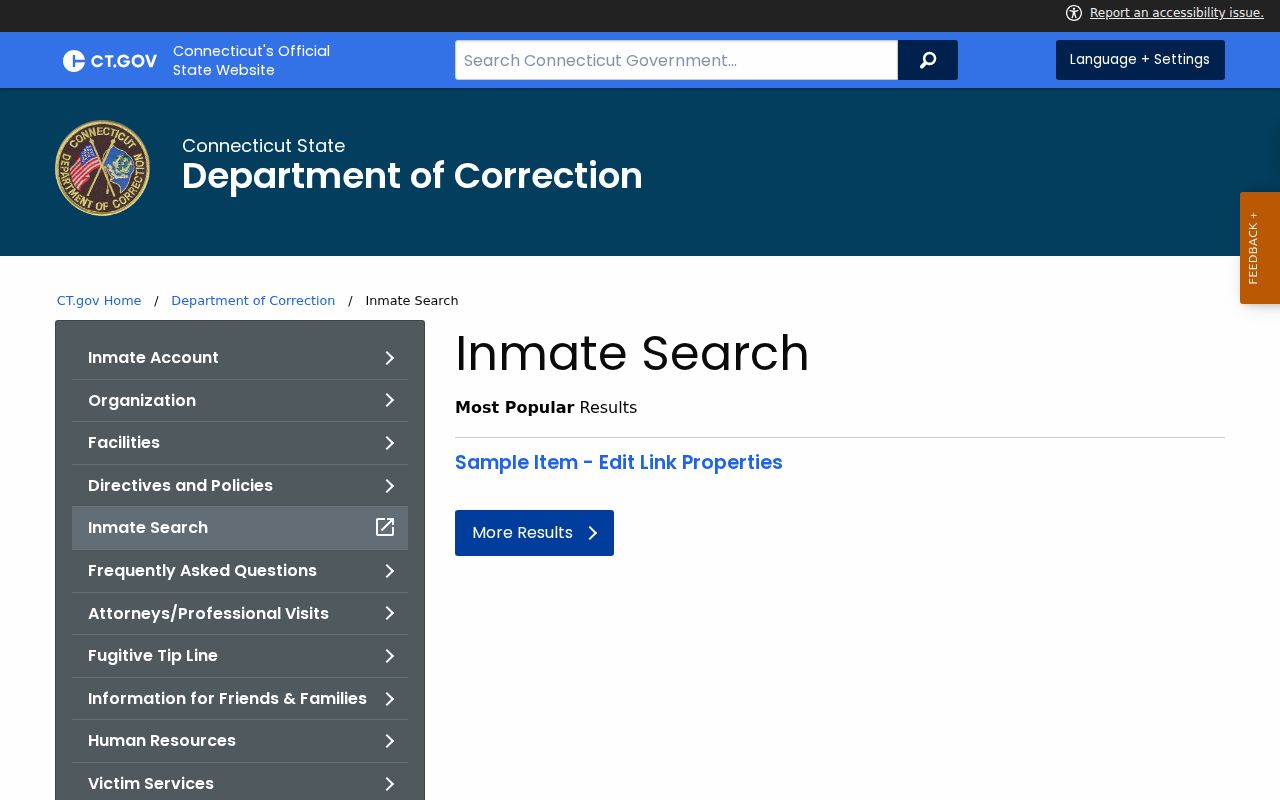
The service page confirms that citizens can search using a DOC number, name, and date of birth.
Search Waterbury City Inmates
Start with the direct Connecticut DOC inmate information search. A DOC number is the cleanest search key. If that number is not known, use the person's name and narrow by date of birth. If no result appears right after a Waterbury arrest, check the court daily docket or pending case search. The person may be in transport, at arraignment, released from police custody, or not yet visible in DOC public data.
- Open the DOC inmate lookup and search by DOC number if available.
- If the number is unknown, search by name and add date of birth when possible.
- Read the custody status and facility field carefully.
- Compare custody data with the Waterbury criminal daily docket for court dates.
- Use police records or court records when the question is about charges, reports, or disposition.
The direct DOC inmate lookup interface is the public search screen for current custody information.
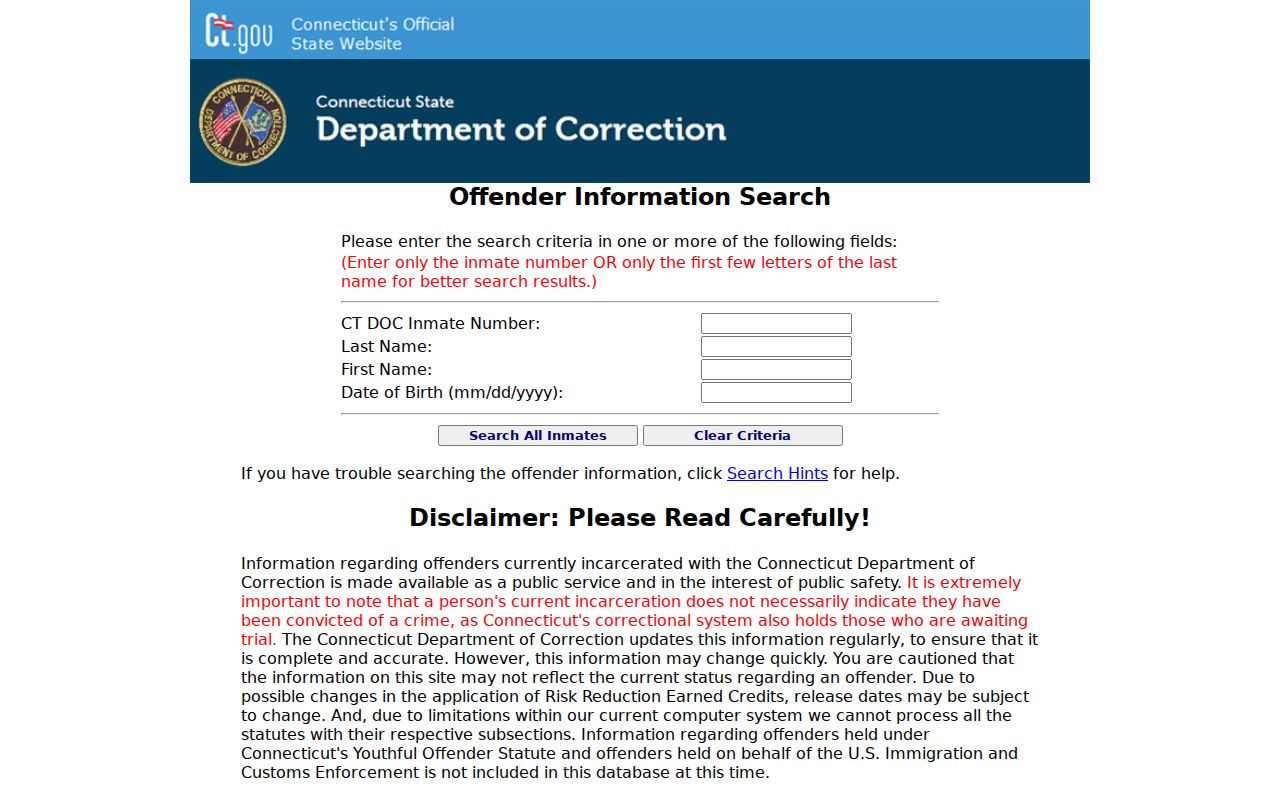
Search results must be checked against current court and DOC information because status can change quickly after arrest.
Waterbury Inmate Search Fields
The DOC service description documents three main search fields. None of them is a Waterbury-only field because custody is statewide. A name search may return similar names, while a DOC number points to one person. Date of birth helps separate people with the same or similar names.
| Field Label | Type | Required | Notes |
|---|---|---|---|
| CT DOC number | Text | No | Best direct identifier if known from custody or prior records. |
| Name | Text | No | Search by offender name when the DOC number is unknown. |
| Date of birth | Date | No | Narrows identity for common names. |
| Search | Button | n/a | Submits the public lookup request. |
What DOC Records Show
A DOC inmate profile is a custody record. It is not a complete arrest report, charging document, witness statement, or criminal history. The DOC public information warning is especially important for Waterbury arrests because a person may be detained pretrial. Current incarceration does not necessarily mean conviction.
| Field | What It Shows |
|---|---|
| DOC number | The Connecticut correctional identifier for the person. |
| Name | The name listed in DOC custody records. |
| Date of birth or age | Identity detail where displayed by the public service. |
| Custody or supervision status | Whether the person is currently held or otherwise listed. |
| Facility location | The current DOC facility shown by the lookup. |
| Sentence or release data | Information that may change and may not reflect final court history. |
Waterbury Custody Contacts
No official Waterbury city jail facility with a public roster was located in the research. The correct facility for a person in custody is the facility shown in the DOC lookup. For Waterbury-specific police custody questions right after arrest, contact Waterbury Police. For DOC public information questions, use the DOC Public Information Office contact listed in the research.
Connecticut DOC Public Information Office
24 Wolcott Hill Road
Wethersfield, CT 06109
(860) 692-7780
Monday-Friday 8:00 a.m.-4:30 p.m.
Waterbury Police Department
255 East Main Street
Waterbury, CT 06702
203-574-6920
Records questions: (203) 574-6933
Booking and Court Dates
A Waterbury arrest can create a police record first, followed by custody data and court records if the person is held or charged. The normal pathway is arrest, intake or release decision, arraignment, prosecutor review, bond or release conditions, and later hearings. Waterbury criminal and motor-vehicle matters commonly route through the Waterbury J.D. criminal / Geographical Area #4 court at 400 Grand Street.
For court dates, use the Judicial Branch criminal and motor-vehicle daily docket by court or daily docket by defendant. For pending charges, use the pending case search by defendant. If the person is not in DOC lookup but has a Waterbury court date, the court record may still show the charge and next hearing.
Visitation Rules by Facility
Visitation depends on the current DOC facility shown in inmate lookup. The statewide DOC visiting page says visitors must be on the inmate's approved visiting list, must confirm the facility schedule, and must present current photo identification. Facility visits can be canceled, and professional visits may have separate forms and technology rules.
| Step | Rule | Waterbury Use |
|---|---|---|
| Locate inmate | Use DOC inmate search to confirm facility. | Do this before planning any visit. |
| Approved visitor list | Visitors must be on the inmate's approved list. | Contact the facility if status is unclear. |
| Confirm schedule | Facility visiting schedules control. | Times vary by facility and may be canceled. |
| Identification | Current photo ID is required. | Bring valid identification for entry. |
| Video visits | May require a request form and confirmation. | Use current facility instructions. |
| Professional visits | Attorney and professional visits follow separate rules. | Counsel should coordinate with the facility. |
The statewide DOC visiting instructions explain the facility-based rules.
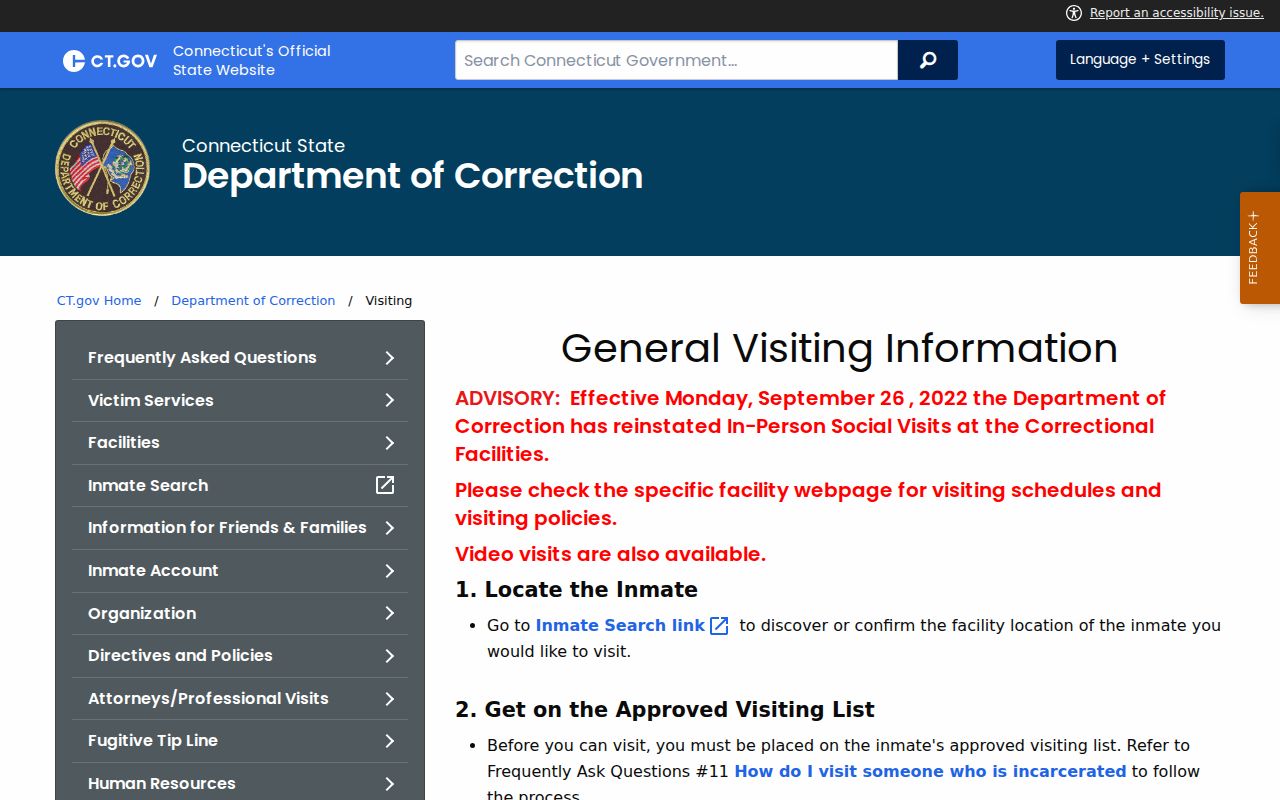
Because there is no Waterbury-only roster, the facility in the DOC result controls the visit process.
Money and Inmate Accounts
Inmate account rules also follow DOC, not a Waterbury jail cashier. The DOC inmate-account page lists the details needed for remittance. Missing identity data can delay or prevent credit, so use the inmate's DOC number, full name, and date of birth exactly as required.
| Required Item | Notes |
|---|---|
| Inmate first, middle initial, and last name | Must be included on remitter information. |
| Inmate number | Required for proper credit. |
| Inmate date of birth | Required by DOC account rules. |
| Sender first and last name | Required for remitter identity. |
| Sender full address | Street, apartment or unit, city, state, and ZIP. |
| Payee | Checks or money orders must be payable to the inmate. |
The DOC inmate accounts page lists remittance requirements.
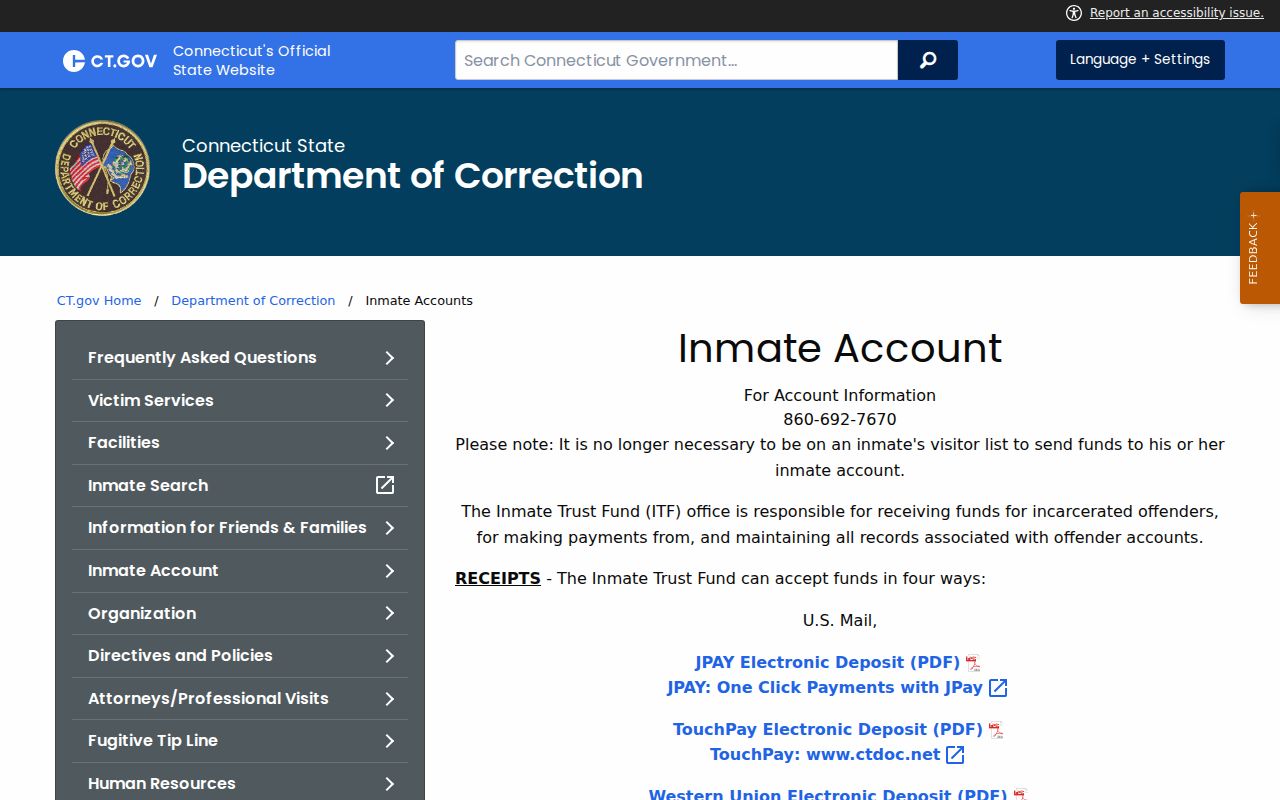
Account rules are statewide, so the current DOC facility and DOC number matter more than the city of arrest.
Custody vs Court Charges
DOC custody records should not be read as the official prosecution record. For Waterbury charges after arrest, use the Judicial Branch criminal and motor-vehicle pending case search, conviction search, and daily docket. For arrest reports, contact Waterbury Police Records. For full case outcomes, the criminal court file is the better source than an inmate lookup.
The booking-to-court pathway usually runs from Waterbury Police or another arresting agency, to custody or release, to arraignment, to prosecutor review, and then to later hearings. Bond, promise to appear, protective orders, no-contact orders, detention, pleas, disposition, sentencing, probation, or erasure eligibility belong in court records when public.
What Inmate Search Excludes
A Waterbury City inmate search does not provide the complete police narrative, witness statements, sealed warrant affidavits, full charging documents, juvenile information, youthful offender records, or a complete court docket. It also does not prove that a person has been convicted. The DOC public-information warning says current incarceration does not necessarily indicate conviction because Connecticut also holds accused-status pretrial detainees.
Use three official records together when the question is broader than location. The Waterbury Police record can explain the arrest or incident. The Judicial Branch docket can show charges filed in court, hearing dates, pleas, dispositions, and sentencing if public. The DOC record can show custody status, facility location, and release or sentence data that may change. No single source replaces the others.
Victim notification or custody-status monitoring should use current official DOC or state notification channels where available. Screenshots of old lookup results should not be treated as live custody data.
Timing is also important after a Waterbury arrest. A person may be released before a DOC public record appears, moved between facilities, held for arraignment, or listed with accused status while the court case is still pending. Recheck the DOC lookup and the Judicial Branch daily docket when the first search is too early to match the arrest timeline.
Public Defender After Arrest
Public Defender Services can matter when a Waterbury defendant qualifies for appointed counsel. The research lists Waterbury J.D. Public Defender Services at 400 Grand Street, Waterbury, CT 06702; Supervisor Rashad Glass; telephone (203) 236-8188; fax (203) 236-8191. The G.A. #4 public defender contact is telephone (203) 236-8170 and fax (203) 236-8180. These offices are not public records offices, but they are part of the court process after arrest.
Note: Use DOC for custody, Judicial Branch dockets for court dates, and counsel for legal advice after arrest.
Public Record Search
Sponsored Results